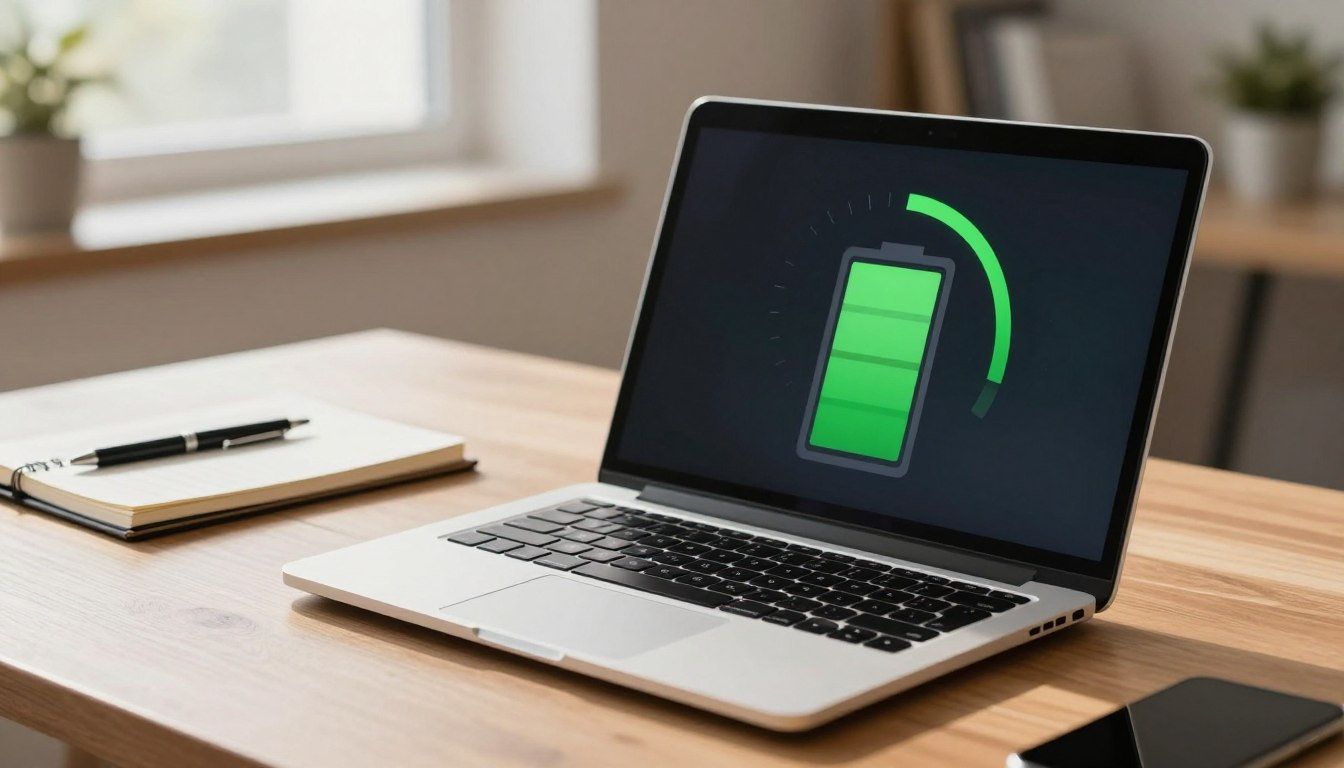
Is Using a Laptop Unplugged Better for Battery Health
Is using a laptop unplugged bad for battery health? We explore the unplugged use myth and reveal the facts behind this common concern.
Many people worry that leaving a laptop plugged in will harm its battery, while others unplug chargers to save electricity. The U.S. Department of Energy calls standby draw “energy vampires” because some electronics keep pulling power even when off.
Modern gear has changed the picture. Lawrence Berkeley National Laboratory notes that standby power has fallen sharply since the 2000s thanks to better AC-to-DC conversion. That means many devices now waste far less energy than older models did.
Define the unplugged use myth as the common belief that running a laptop on battery and unplugging chargers always extends life, boosts safety, and slashes bills. This piece looks at laptop unplugging in everyday settings and draws on broader home unplugging data to separate myth from fact.
We will test key claims against DOE and CPSC guidance, lab commentary, and measured standby examples like phone chargers and consoles. By the end, you will know when unplugging saves energy, when it matters for battery health, and simple alternatives such as switched power strips.
Key Takeaways
- Standby power has dropped a lot; many modern devices waste less energy.
- The “unplugged use myth” overgeneralizes older rules to new technology.
- Two questions are separate: battery life impact versus household energy waste.
- Official guidance and lab data will be used to test each claim.
- Practical tips will show when unplugging is worth the effort.
Why This “Unplugged” Debate Won’t Go Away in U.S. Homes
Attitudes about cords and outlets stick because families link them to safety and thrift. The average U.S. home has 20+ electronic products, and nearly all draw some standby power when plugged in.
What people mean by “unplugged” varies. For some it means running a laptop on battery to protect battery life. For others it means unplugging chargers to save electricity and money. Some households unplug appliances to lower fire or shock risks.
Many families have ritual “unpluggers” who feel responsible for reducing hazards. Yet unplugging has a convenience cost: it takes time to reach outlets behind furniture, and clocks or instant-on settings must often be reset.
That routine thinking spreads across gadgets. Kitchen appliance habits, entertainment systems, and chargers get the same treatment that laptops do, even though modern devices manage power more efficiently.
- Safety: CPSC notes unplugged gear cannot draw power, cutting certain risks.
- Practical tradeoff: small savings can demand disproportionate effort.
“The goal here is not to shame habits, but to measure cost, energy, safety, and real-world patterns.”
The unplugged use myth vs. fact: What actually happens when devices stay plugged in
Small, steady power draws add up across a home, even if each device seems idle. Phantom loads—often called “energy vampires” by the DOE—are real. Many devices can draw current while appearing off.
Fact: standby draws exist in many devices
Clocks, LED indicators, and chargers keep circuits live. Entertainment gear and set-top boxes often stay in a low-power mode for instant-on. These standby draws count toward household energy totals and matter for some bills.
What changed since the 2000s
Engineering improvements made big differences. Lawrence Berkeley National Laboratory notes redesigns of power supplies (AC-to-DC conversion) cut standby losses dramatically. In some product classes, standby dropped by as much as ~90%.
Where always-on energy still shows up
Look for displays, sleep mode behavior, and always-listening features. Modern laptops have smarter charging circuitry and sleep settings, so staying plugged in often has less impact on battery health than older models did.
- Quick takeaway: The fact is standby exists; the myth is that unplugging everything always yields big savings today.

| Contributor | Typical standby | Why it matters |
|---|---|---|
| LED/clock displays | 0.5–2 W | Runs 24/7; adds small constant load |
| Set-top boxes / consoles | 1–10 W | Instant-on and network wake functions |
| Chargers (no device) | 0.01–0.5 W | Much lower now after supply redesigns |
Does Unplugging Devices Save Energy and Money Today?
Even small standby currents become meaningful when dozens of gadgets stay plugged in around a home. The DOE estimates standby power can account for about 5%–10% of residential electricity use. That range helps turn abstract watts into real annual bills.
What the numbers mean in dollars
Translated to household budgets, carefully unplugging appliances could save roughly $100–$200 per year if many unused items are cut off. Actual cost depends on local rates and the mix of devices plugged in.
Concrete examples
A lone phone charger without a phone draws about 0.26 W. Leaving a fully charged phone connected can draw around 2.24 W. Gaming consoles often sip several watts while “off” to support instant-on features.
When savings matter most
Unplugging appliances save the most when you have clusters: entertainment centers, multiple chargers, and always-on displays. For homes with mostly newer low-standby gear, it may not move the needle much—so both statements can be true: unplugging devices saves electricity, yet it won’t save much in some modern setups.
“Target the high-load clusters first: that’s where real year-over-year savings happen.”
Safety and Device Protection: Fires, Power Surges, and What the CPSC Actually Recommends
A single surge can stress components and shorten the practical life of sensitive electronics. The U.S. Consumer Product Safety Commission advises that unplugging reduces certain risks: a disconnected appliance cannot draw power, spark, or cause shock while energized.
CPSC guidance in plain terms
The logic is simple: remove the power source, and a device cannot malfunction while receiving electricity. That makes unplugging a clear safety step, especially for older or damaged cords.
Surges, microsurges, and gradual damage
Lightning, grid switching, and small repetitive spikes can harm components over time. Disconnecting gear isolates it from these events and can extend the life of sensitive electronics.
Practical alternatives that fit daily life
For low-load items, a switched power strip lets you cut power at the flick of a switch. This saves trips to hidden outlets and protects many appliances without constant unplugging.
What not to do
Do not put high-load appliances—like toasters, space heaters, or ovens—on power strips. Heat and high current can overload strips and create hazards.
“Separate energy savings from safety so you can prioritize the right actions for each device.”
What to Unplug (and What You Can Leave Plugged In) for the Biggest Impact
Not all plugs are equal—some devices quietly cost much more over time than others. Focus on the high-impact items in your home first, then handle smaller loads if you want extra savings.
Entertainment systems
TVs, cable boxes, and gaming consoles often sit in standby for instant-on. That standby mode can add up across many devices. A single switched strip can cut multiple loads in one action and deliver noticeable home energy savings.
Computers and laptops
Choose hibernate when you won’t need a quick resume; it uses far less power than sleep. Screen savers do not save energy because the display or GPU still draws power.
Chargers and charging bricks
Chargers can draw tiny watts with nothing attached. A phone charger may draw ~0.26 W idle; a phone left plugged after full charge can draw about 2.24 W. The impact per charger is small, but many chargers add up.
Kitchen appliances and lamps
Daily kitchen appliances—coffee makers, blenders, toasters—are often left plugged for convenience. For occasional gadgets, unplugging or a switched strip is smart. Older lamps usually use no standby, while modern smart lamps can draw for sensors or network features.
Devices you can usually leave plugged in
Older non-digital items and hard-to-reach essentials rarely justify constant cord handling, especially when standby is already low. Prioritize unplugging where it saves the most time and power.
- Priority checklist: Entertainment systems → set-top boxes → consoles → chargers → occasional kitchen appliances.
- Ways to make it stick: switched strips, smart plugs, and timers cut power without daily effort.
“Target high-draw clusters first: that yields the best balance of convenience, safety, and savings.”
Conclusion
Practical choices, not perfectionism, yield the biggest energy and cost wins.
Standby can account for about 5%–10% of household electricity, and trimming idle clusters could save roughly $100–$200 per year depending on your devices.
The overall fact: small draws are real, but efficiency gains since the 2000s mean obsessively unplugging every charger rarely pays off. For laptops, prefer hibernate when finished and avoid always-on accessories.
CPSC logic is simple—disconnecting removes power and helps reduce risk from power surges and surges over time.
Final tip: start in one room, target the biggest standby offenders with a switched or smart power strip, and avoid putting high-load appliances on strips. One change can save money, cut energy, and may extend device life.