High-Watt USB-C Chargers: When More Power Helps and When It Hurts
Buying a high watt USB C charger laptop owners see online can feel like an easy upgrade, because bigger numbers sound like faster charging and better performance. The truth is messier, and the wrong match can mean slow charging, random disconnects, or extra heat that ages a battery faster.
USB C Power Delivery is built around negotiation, so your laptop usually takes only what it asks for, even if the brick can supply more. That safety net is real, but it does not cover every bad cable, sketchy adapter, or poorly cooled charging setup.
I like high watt chargers when they solve a specific problem, like powering a 16-inch MacBook Pro under load or running a gaming laptop in a pinch. I dislike them when people buy 140 watts for a thin-and-light that never pulls more than 45 watts, then wonder why the adapter runs hot on the couch.
How negotiated USB-C wattage actually works
USB C charging is not a dumb pipe that shoves watts into your laptop, it is a handshake. The charger advertises power profiles, and the laptop requests one that fits its design and current state.
Most modern laptops negotiate over USB C Power Delivery, which sets voltage and current limits like 20V at 5A for 100W. If your laptop only supports 65W, a 100W 140W USB C charger still drops to the 65W profile when everything is working correctly.
The laptop’s internal charge controller decides how much current goes to the battery versus the system. When you are compiling code or gaming, more of the incoming power goes straight to the motherboard and less goes into the battery.
Negotiation can change during use, which is why you sometimes see charge rate jump around in a battery utility. A laptop may request less power when hot, when the battery is near full, or when it detects a marginal cable.
USB PD also has guardrails for fault conditions like overcurrent and overvoltage, and reputable chargers shut down fast when something looks wrong. Those protections are part of usb c power delivery safety, but they rely on the charger and cable behaving like they should.
Why higher wattage does not always mean higher stress
A bigger watt rating mostly means the charger can supply more power without sagging, not that it will force-feed your laptop. If your laptop draws 60W, a 140W brick loafs along at 60W, which can be cooler than a 65W brick running near its ceiling.
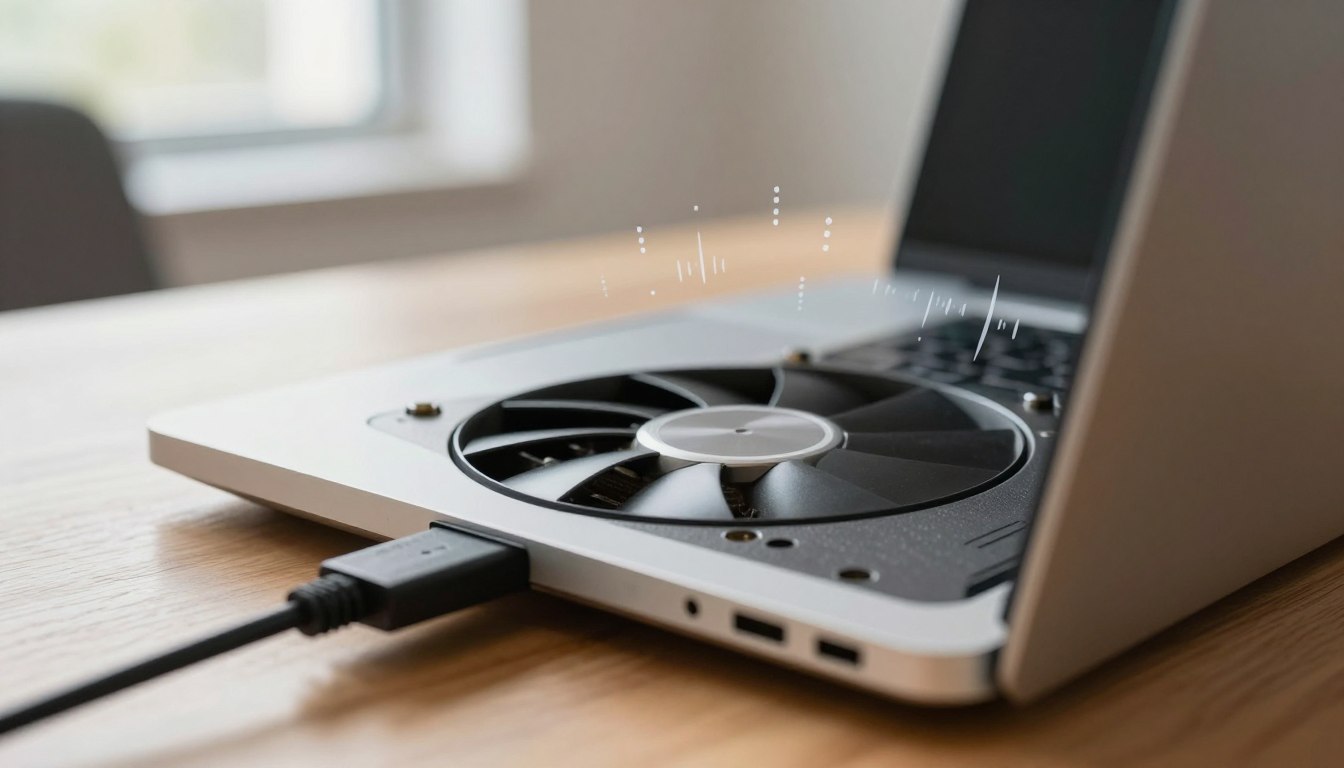
Heat is what batters batteries, and charger wattage and battery heat often correlate only indirectly. A charger that runs cooler can reduce the heat soaking into your desk area and the laptop’s underside, which matters if the intake vents are nearby.
Higher wattage can also help when the laptop is doing heavy work, because it avoids the battery “topping off” the difference between load and adapter output. That constant micro-discharge and recharge adds cycles, and cycles are what you pay for in long term battery health.
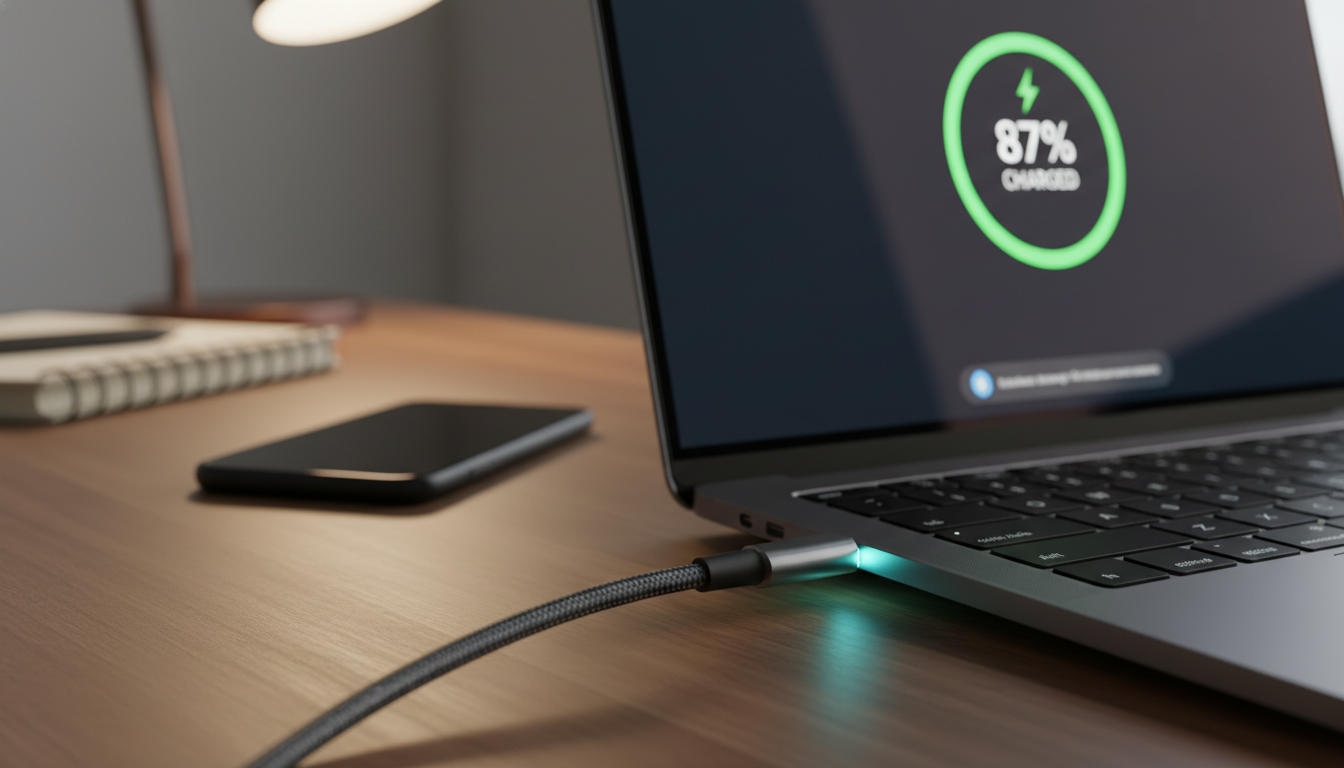
Fast charging can raise battery temperature, but the speed is controlled by the laptop’s charging algorithm, not the label on the adapter. Many laptops slow the charge rate above 80 percent, and some have user settings that cap charge at 80 percent to cut stress.
Where higher wattage can be rough is when it enables higher sustained performance in a chassis that already runs hot. If you plug a thin laptop into a strong adapter and then run it pinned at 30W CPU plus 30W GPU for hours, the battery may sit in a warmer environment even if it is not charging much.
Adapter quality, cable rating, and thermal limits
The charger brick is only part of the system, and a high watt USB C charger laptop setup is only as good as its cable and connector. Cheap cables can negotiate badly, heat up at the ends, or drop voltage under load and cause the laptop to throttle charging.
For 100W charging you usually need a 5A rated USB C cable with an e-marker chip, and for 140W you need USB PD 3.1 support with the right cable rating. If the cable is only 3A, your “100W” setup often behaves like a 60W setup, and it may run hotter doing it.
| What to check | What good looks like | What goes wrong |
|---|---|---|
| Charger certification | UL/ETL listing, USB-IF PD compliance, known brand | Overheating, unstable negotiation, poor protections |
| Cable current rating | 5A e-marked cable for 100W, PD 3.1 cable for 140W | Falls back to 3A, warm connectors, disconnects |
| Connector fit | Snug USB C plug, no wobble, clean port | Arcing wear, intermittent charging, hot plug tip |
| Thermal design | GaN with good casing, ventilation, realistic watt rating | Brick too hot to touch, power derating, early failure |
| Multiport sharing | Clear port budget chart, stable output at load | Power drops when phone plugs in, laptop switches profiles |
How laptop charging behavior changes with load and battery level
Your laptop does not charge at one steady rate, and that is why wattage shopping gets confusing fast. At low battery, many machines pull close to their maximum supported input, then taper down as the pack fills.
When the battery is near empty, the charger may deliver high power and the laptop may warm up, especially if you are using it at the same time. When the battery is near full, the laptop often sips power and prioritizes keeping voltage stable over speed.
Some laptops support “hybrid power” where the adapter plus battery cover peak load, which is common on gaming laptops with USB C charging. If you use a lower watt adapter, the battery may drain slowly while plugged in, which looks like a defect but is often just math.
Battery protection features can change everything, and many brands hide them in vendor utilities like Lenovo Vantage, Dell Power Manager, or ASUS MyASUS. If you cap charging at 80 percent, you may never see the high watt draw that a new adapter could provide.
Heat management is also aggressive on newer machines, and some will reduce charge power if the palm rest area gets warm. That behavior can make a 100W 140W USB C charger look “slow” even though it is doing what the laptop asked.
What “100W” and “140W” really mean in practice
A 100W charger usually means it can output up to 20V at 5A under USB PD, and that is enough for many 13 to 15 inch laptops. A 140W charger typically uses USB PD 3.1 Extended Power Range, with profiles like 28V at 5A that some newer laptops support.
If your laptop does not support PD 3.1, it will not magically accept 140W just because the brick can do it. In that case, the charger falls back to 100W or less, and you paid extra for capacity you cannot use.
MacBook Pro 16-inch models are the famous example where 140W can matter, because Apple supports faster charging with the right adapter and cable. Many Windows laptops top out at 65W or 90W over USB C even if their barrel charger is 180W.
Multiport chargers complicate the label, because “140W” may mean total output shared across ports. If you plug in a phone and a tablet, the laptop port might drop to 100W or 65W and renegotiate mid-session.
GaN chargers are smaller and often efficient, but small does not mean cool. I have seen compact 100W bricks that run hotter than a bigger 90W OEM adapter, simply because there is less surface area to dump heat.
Real-world scenarios where wattage mismatch causes issues
The most common mismatch is using a 45W USB C charger on a laptop that expects 65W or 90W, then doing heavy work. The laptop may warn “slow charger,” charge only while asleep, or drain the battery while plugged in.
Another messy case is a 100W multiport charger that can only deliver 65W when the second port is active. You plug in your phone at the coffee shop and your laptop instantly renegotiates down, which can trigger screen flicker or a momentary disconnect on some models.
Cable mismatch is sneakier, because the laptop might show “charging” but never reach full speed. A 3A cable can cap the system around 60W at 20V, and the connector ends can get warm enough to feel uncomfortable.
Some docks and monitors advertise USB C charging but only provide 60W, and that is fine for an ultrabook but weak for a workstation. People blame the laptop, but the real issue is the dock’s power budget and the fact that it also has to run USB devices and video.
Finally, there are laptops that accept USB C charging but limit performance when they detect a non-OEM adapter. That behavior is annoying, but it is usually about thermal and warranty control, not because usb c power delivery safety is broken.
How to choose the safest high-watt charger
Start by finding your laptop’s supported USB C input, because that number is the ceiling that matters. If the manual says 65W USB C PD, buying a 140W brick is fine, but it will not make charging faster.
Then look for real safety marks and boring details, like UL or ETL listing and clear PD profile labeling. I trust brands that publish a full output table on the charger body, because it usually means the engineering and compliance work happened.
- Match laptop maximum PD input wattage
- Prefer UL or ETL listed chargers
- Confirm PD 3.0 vs PD 3.1 support
- Use a 5A e-marked USB C cable
- Avoid unknown multiport power sharing behavior
- Check return policy for heat and stability testing
Charger wattage and battery heat, what really drives degradation
Battery degradation tracks temperature and time spent at high state of charge, and charger wattage and battery heat is a useful lens when you measure the right thing. A hotter battery ages faster even if it is technically charging “safely” within spec.
Fast charging can raise pack temperature because higher current creates resistive heating inside the cells. Your laptop controls that current, but a higher capacity adapter can allow the laptop to sustain higher charge power for longer before it has to back off.
Ambient conditions matter more than people admit, and charging on a bed or couch is a classic mistake. If the vents are blocked, the battery sits in a warm chassis and the pack bakes while you think you are doing something harmless.
Another big driver is keeping the battery at 100 percent all day while plugged in, which is common for desk use. If your laptop offers an 80 percent cap or “battery conservation mode,” use it and you will usually see better health over the year.
If you want to be picky, watch battery temperature with tools like iStat Menus on macOS or HWiNFO on Windows during your normal workload. If a new adapter makes the laptop run hotter for the same work, that is your signal that the setup is not an upgrade.
USB C Power Delivery safety, what protections exist and what they do not cover
USB C Power Delivery safety is better than the old days of random barrel plugs, because the system negotiates voltage before it ramps up. A compliant charger starts at 5V, then switches to higher voltages only after the laptop asks for them.
Good chargers also include overcurrent, overtemperature, and short-circuit protection, and they shut down quickly when something is off. That is why reputable GaN chargers can be small and still handle 100W without drama.
What the standard cannot fix is bad manufacturing, fake markings, or sloppy thermal design. A charger can claim 100W and still run dangerously hot because the internal components are undersized or the casing traps heat.
USB C ports wear out too, and a loose port can create resistance that turns into connector heat at higher currents. If your plug wiggles or charging cuts in and out when you bump the cable, stop using high power until the port is inspected.
Surge protection is another gap, because many small chargers do not handle dirty power as well as a big OEM brick. If you travel a lot or use questionable outlets, pairing a good charger with a quality surge protector is a practical move.
When a higher watt charger can genuinely help
A higher watt adapter helps when your laptop hits its input ceiling during real use, like video editing on a 96W MacBook Pro charger versus a 60W travel brick. In that case, the battery stops acting like a helper battery and goes back to being a battery.
It also helps when you use a USB C dock that steals part of the power budget for its own electronics. A 100W adapter feeding a dock that passes through 85W to the laptop can be the difference between stable charging and slow drain.
Another win is a single charger for multiple devices, where a 100W 140W USB C charger can run a laptop and still top up a phone without collapsing. The key is buying one with clear power allocation rules, because vague “smart sharing” claims are where trouble starts.
For some laptops, a higher watt charger keeps performance steadier because the CPU and GPU do not downclock as aggressively on AC power. You might not care, but if you do long renders or compile jobs, it is the difference between finishing at dinner or at midnight.
I also like higher watt chargers when they run cooler at the same delivered power, because cooler electronics usually last longer. That is not guaranteed, but a quality 140W brick delivering 65W often feels less stressed than a tiny 65W cube at full blast.
Quick checklist before upgrading adapters
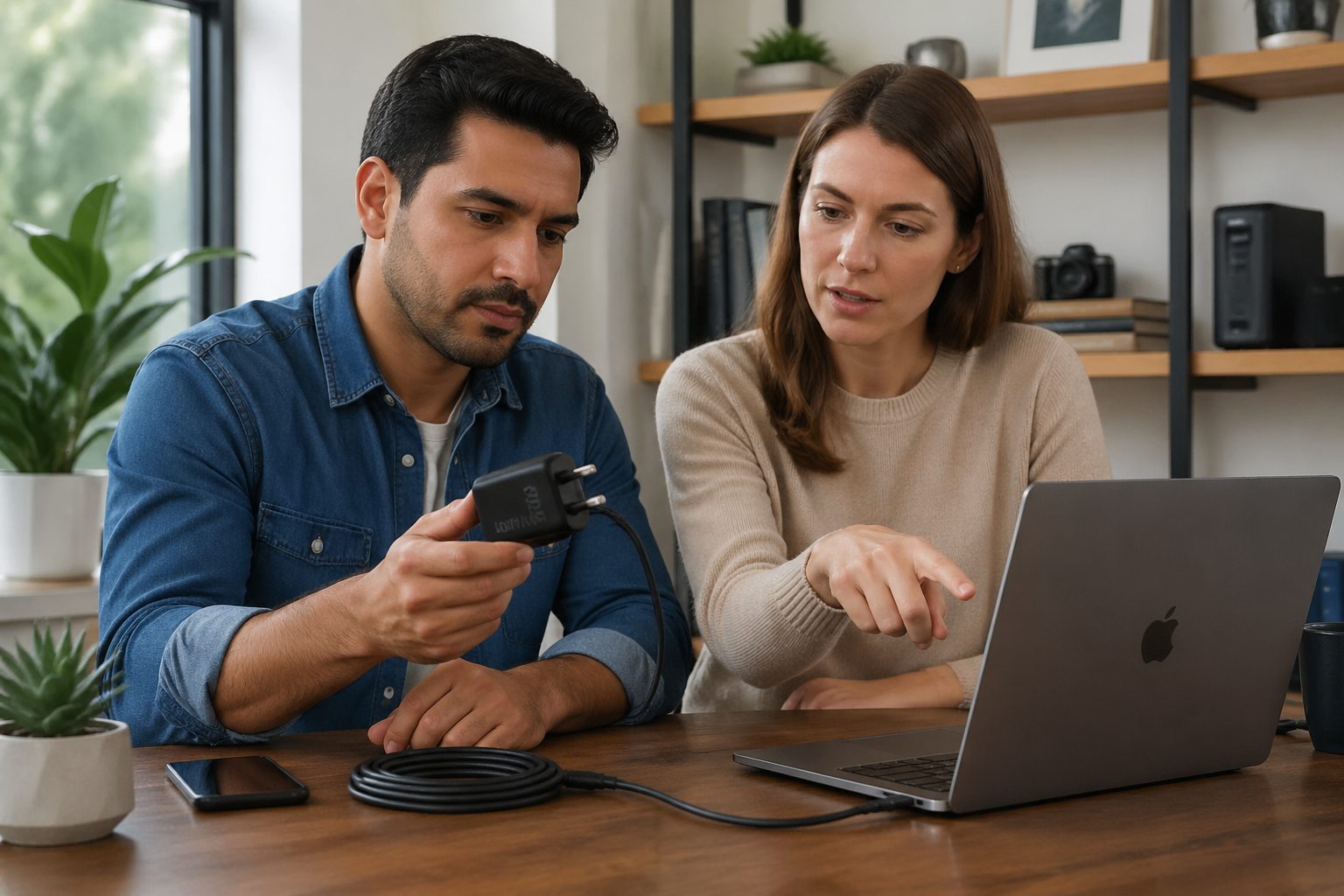
Before you buy, confirm your laptop’s maximum USB C PD input and whether it supports PD 3.1 if you are eyeing 140W. If you cannot find it in the manual, check the OEM support page or look for user reports that include measured watt draw.
Plan the whole chain, charger, cable, dock, and outlet, because a single weak link makes the setup flaky. If you want a high watt USB C charger laptop upgrade for travel, test it at home under your heaviest workload and feel for hot connectors after 20 minutes.
Watch for warnings like “slow charger” or repeated connect-disconnect sounds, because those are negotiation problems you should not ignore. If the charger is too hot to hold comfortably, return it and buy a bigger brick with better thermal headroom.
Keep battery health in the loop, because the goal is not just faster charging, it is fewer heat hours and fewer cycles. If your laptop offers an 80 percent cap, use it on desk days and save full charges for travel days.
If you take one thing away, buy the wattage your laptop can use, then spend the rest of your attention on quality and heat. That approach respects usb c power delivery safety, avoids charger wattage and battery heat surprises, and keeps your battery healthier longer.